Center Alignment Guide: Keep Subtitles Perfectly Centered
1. Feature Overview
When adjusting subtitle placement, the subtitle box may shift away from the center of the frame. With Add Subtitle, you can simply drag the subtitle box to quickly align it to the exact center—making your visuals more consistent and easier to read.
Before | After |
|---|---|
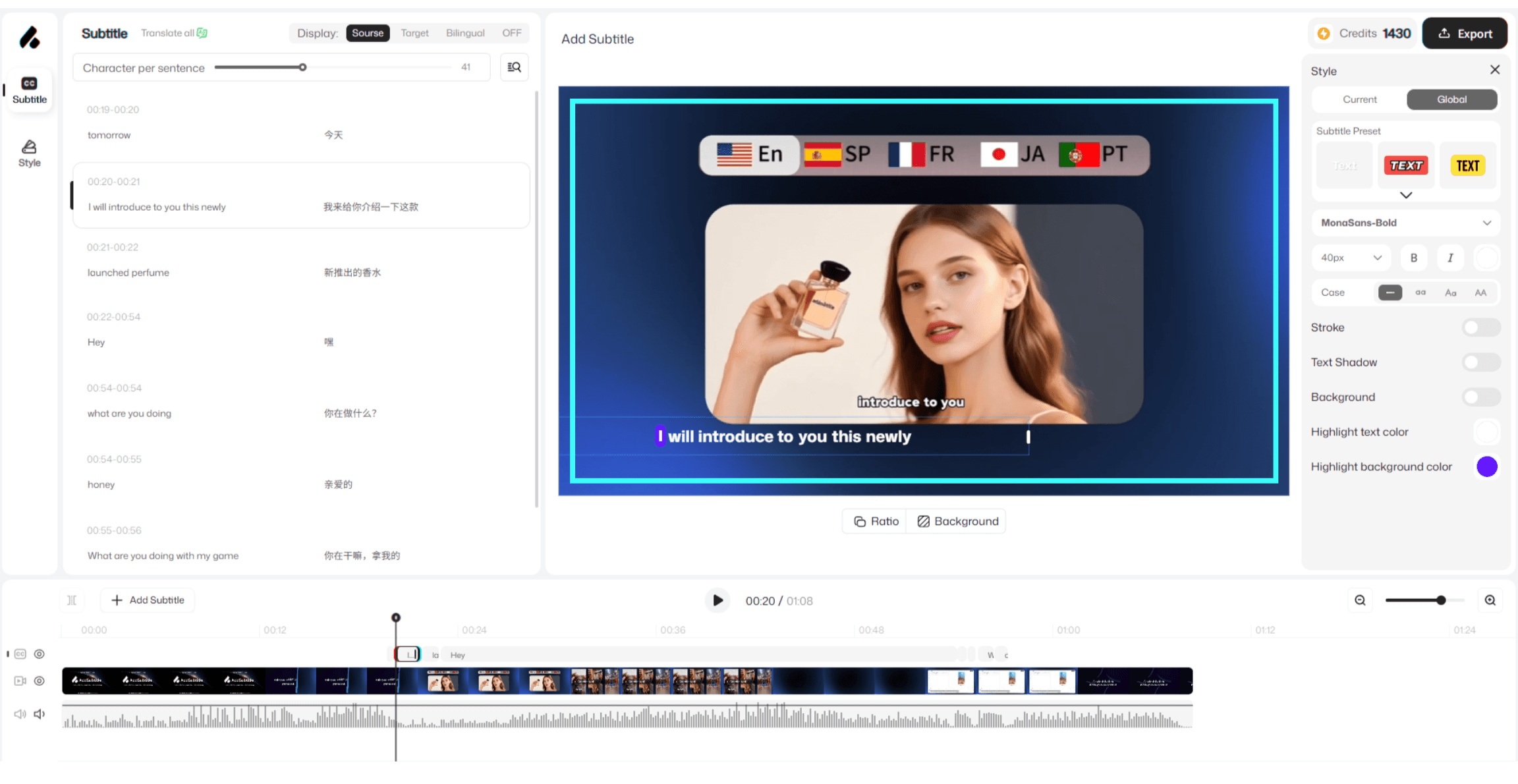 | 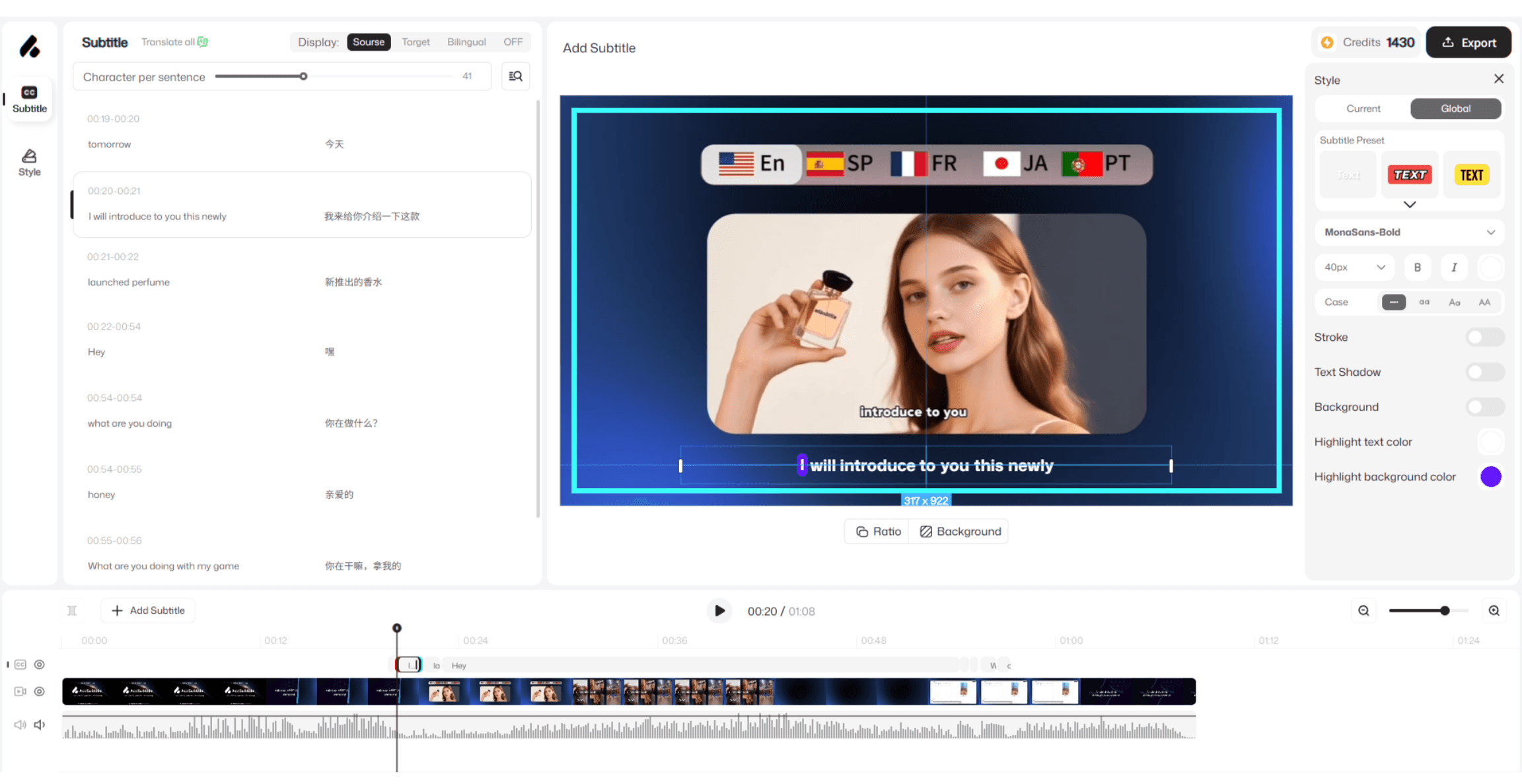 |
2. How to Use
In the preview window, click the subtitle box to enter edit mode.
Press and hold the subtitle box, then drag it toward the center of the frame.
Watch for the blue alignment guide line that appears while you drag.
Use the guide line to fine-tune the position. Release your mouse/finger at the right height to complete the alignment.
3.Usage Notes
If the subtitle box doesn’t align perfectly on the first try, click it again and drag to fine-tune.
Before exporting, preview your video to make sure subtitles remain readable across different scenes and are not blocked by on-screen elements.