Voice Preview: Listen on the Right and Update to Sync Voice Settings
1、Feature Overview
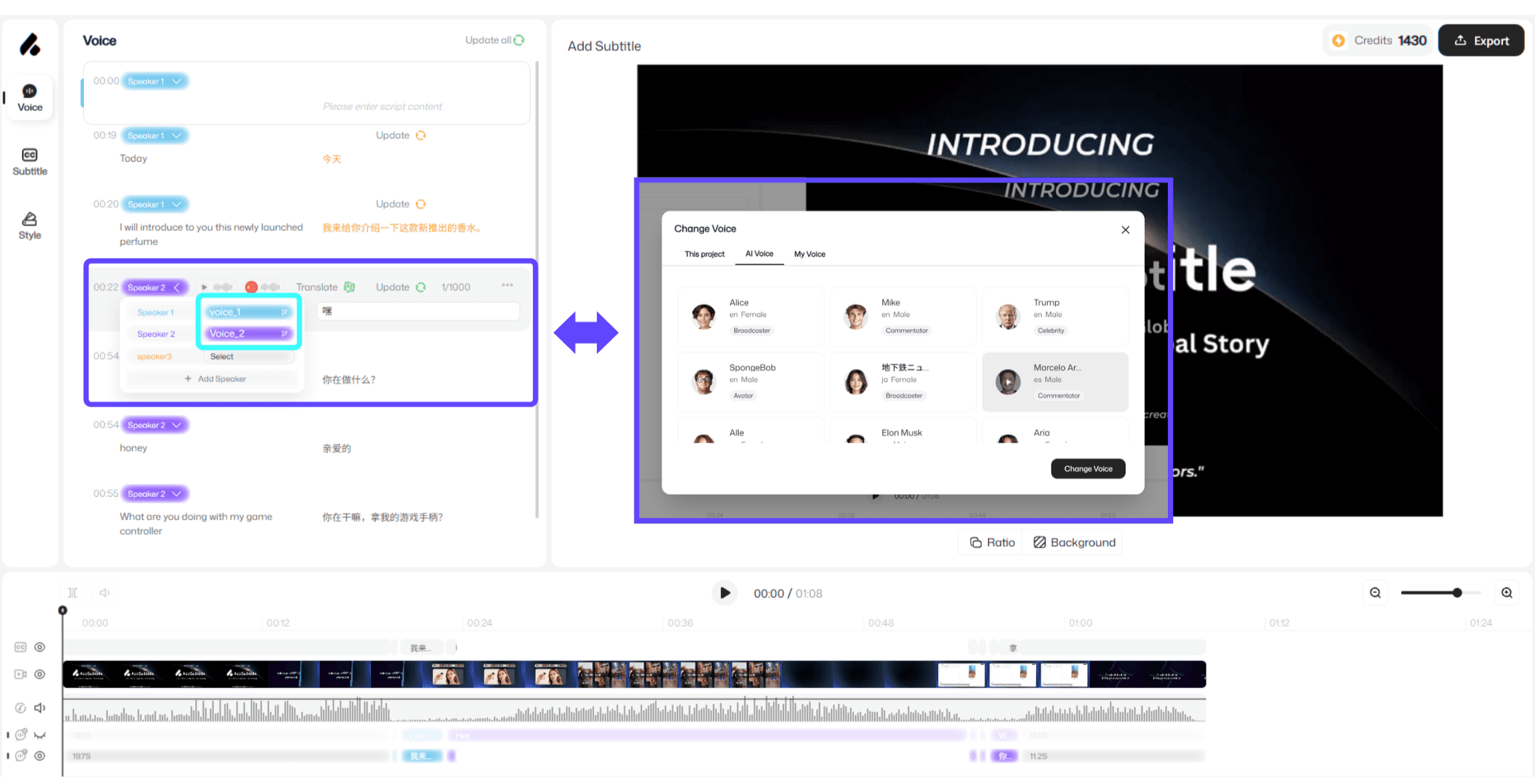
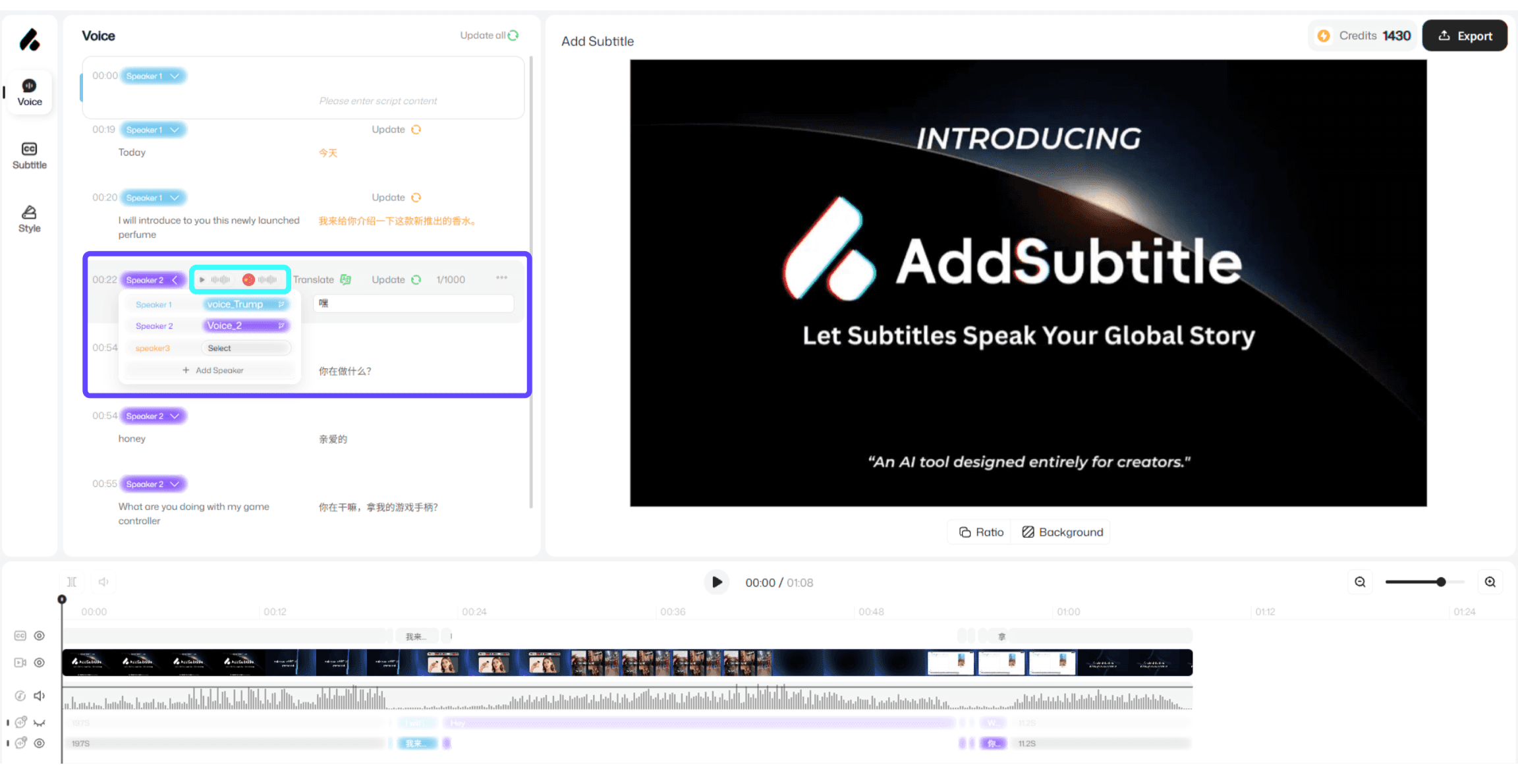
After you switch a dubbing voice, the system needs to sync the change before the new settings can be applied to your video. This feature lets you refresh and apply your current dubbing settings in one click, and also supports quick voice preview—so you can immediately listen to the selected voice and confirm the result.
Step 1 | Step 2 |
|---|---|
 |  |
2、How to Use
After changing the dubbing voice, click 「Update」 to sync and apply the latest settings.
In the voice selection area, click the 「Play」 button on the right side of the color block to preview the current voice instantly.
3、Usage Notes
The 「Play」 button is only for previewing the current voice. If you want the voice to actually apply to the video, make sure to click 「Update」 to complete the sync.