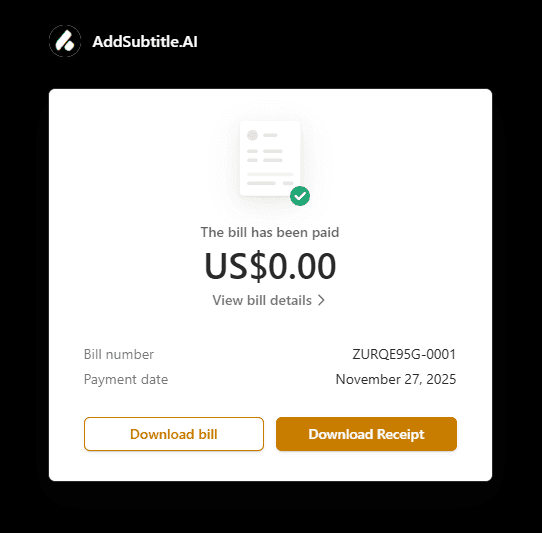
How to Find Your Subscription History and Download Receipts
This guide shows you where to quickly find and download your subscription bills and digital receipts in Add Subtitle.
In the left sidebar, click Settings to open your account settings page.
In the top-right corner of the page, click Manage my plan to open your subscription details.
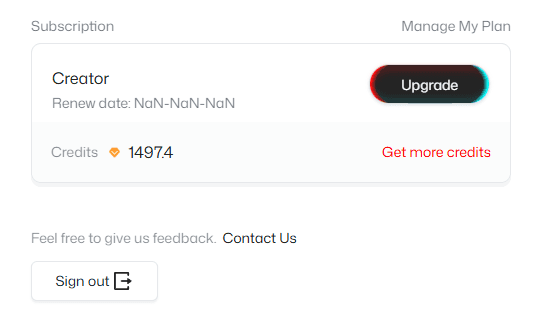
On the subscription details page, you can view all past subscription records and quickly locate a specific bill using date filters or search.

Click the bill you need to access the corresponding Bill and Receipt, then download them.