Drag Subtitles: Move the Start Time and Adjust Subtitle Duration
1. Feature Overview
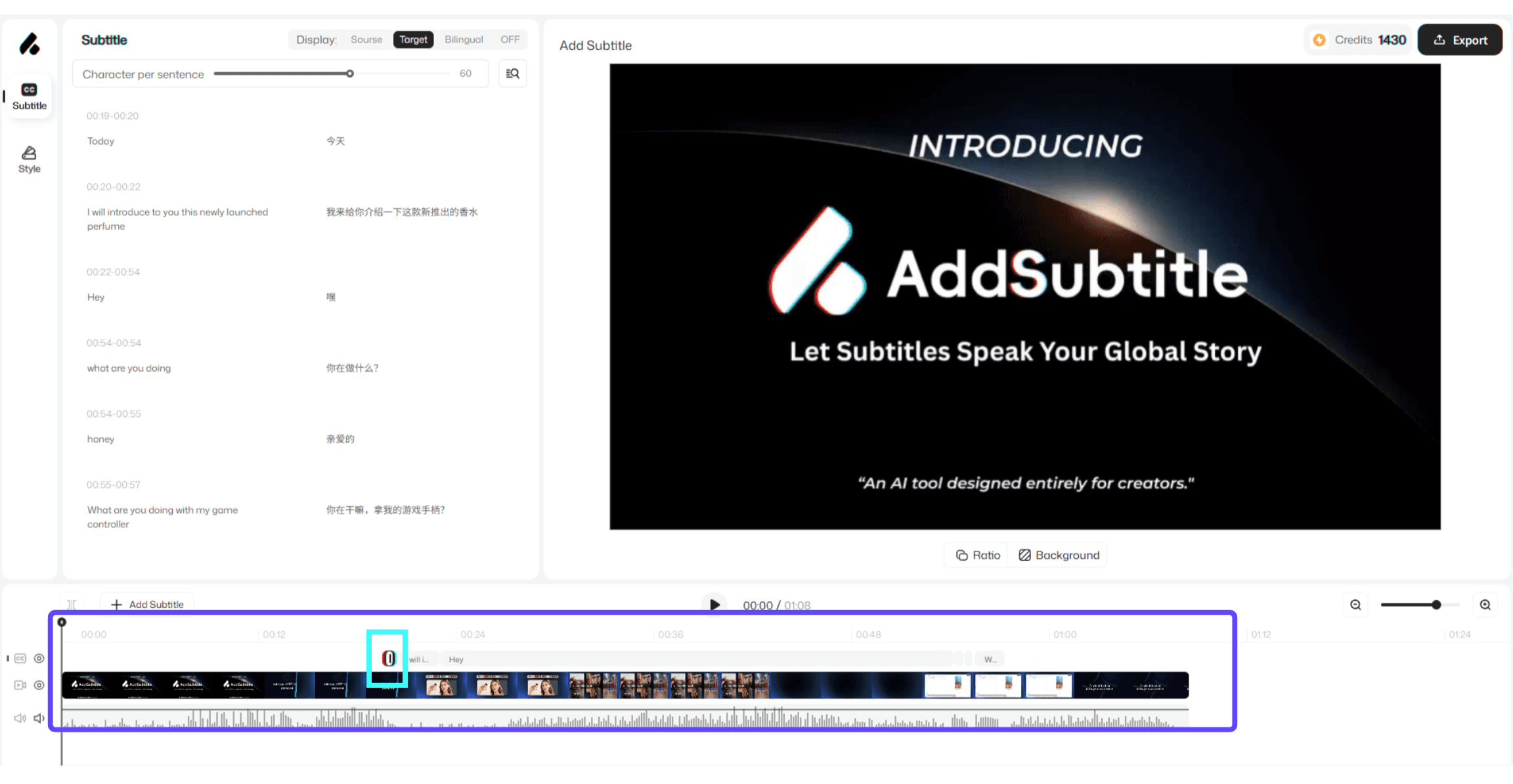
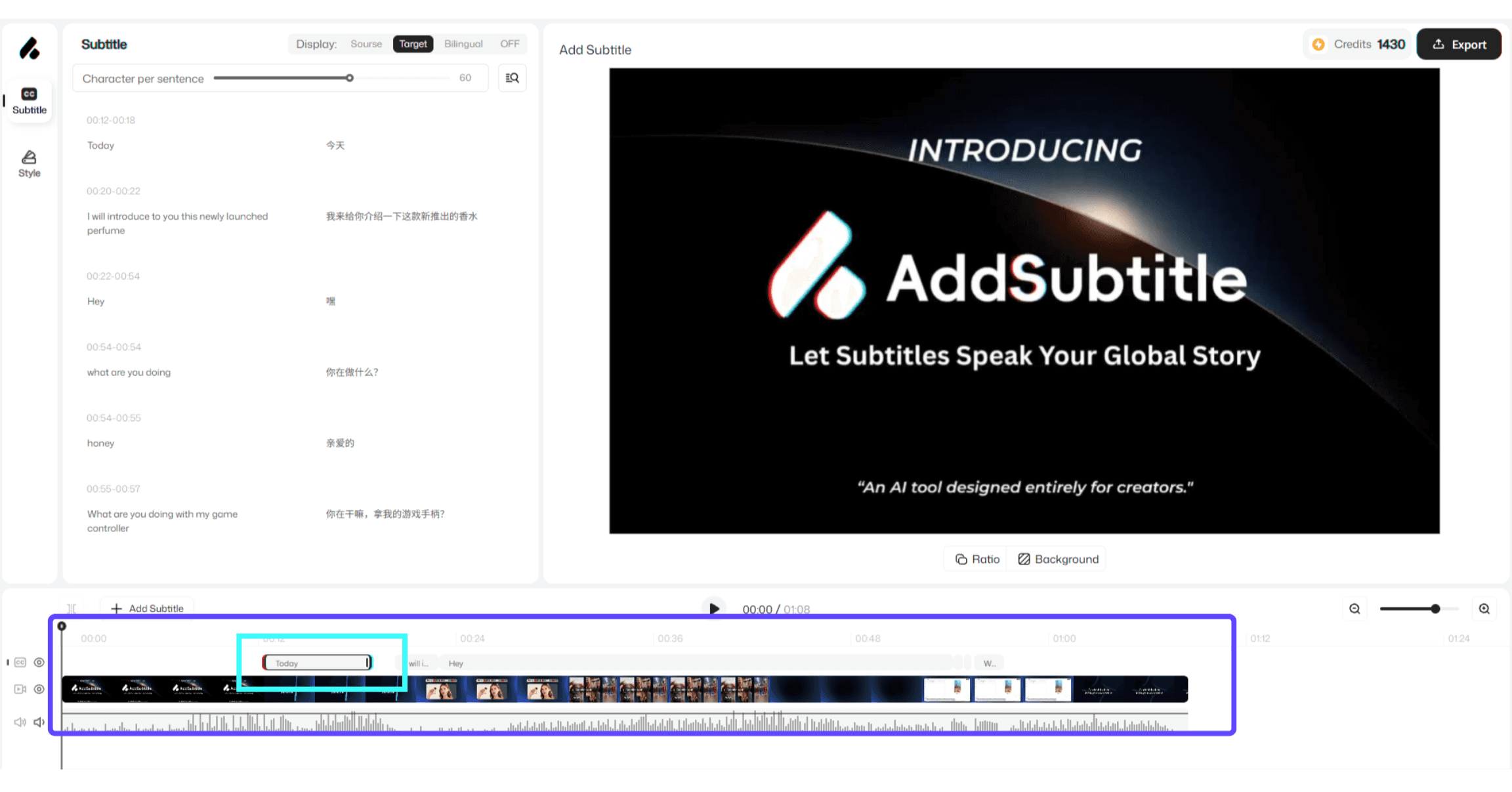
By dragging subtitle blocks on the timeline, you can precisely control when subtitles appear and how long they stay on screen. This makes it easy to match spoken lines, timing beats, or scene cuts—so your captions feel naturally synced in Add Subtitle.
Before | After |
|---|---|
 |  |
2. How to Use
On the timeline, locate the subtitle block you want to adjust.
Drag the left edge of the subtitle block to change the start time.
Drag the right edge of the subtitle block to extend or shorten the on-screen duration.
3.Usage Notes
The longer the subtitle block, the longer the subtitle stays on screen. The shorter the block, the shorter the display time.
When aligning lip movement or key moments, adjust the start time first, then fine-tune the duration for a more natural viewing experience.
You can do all of this smoothly in Addsubtitle.