About Logout
Log Out of Your Add Subtitle Workspace
Logging out of Add Subtitle is quick and simple—and you can log back in anytime.
Method 1 | 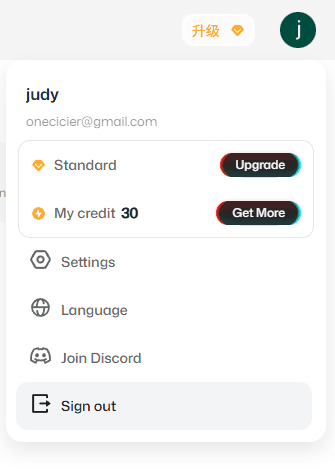 | |
|---|---|---|
Step 1 | Click the circular profile avatar in the top-right corner of the page. | |
Step 2 | Click Log out. | |
Method 2 | 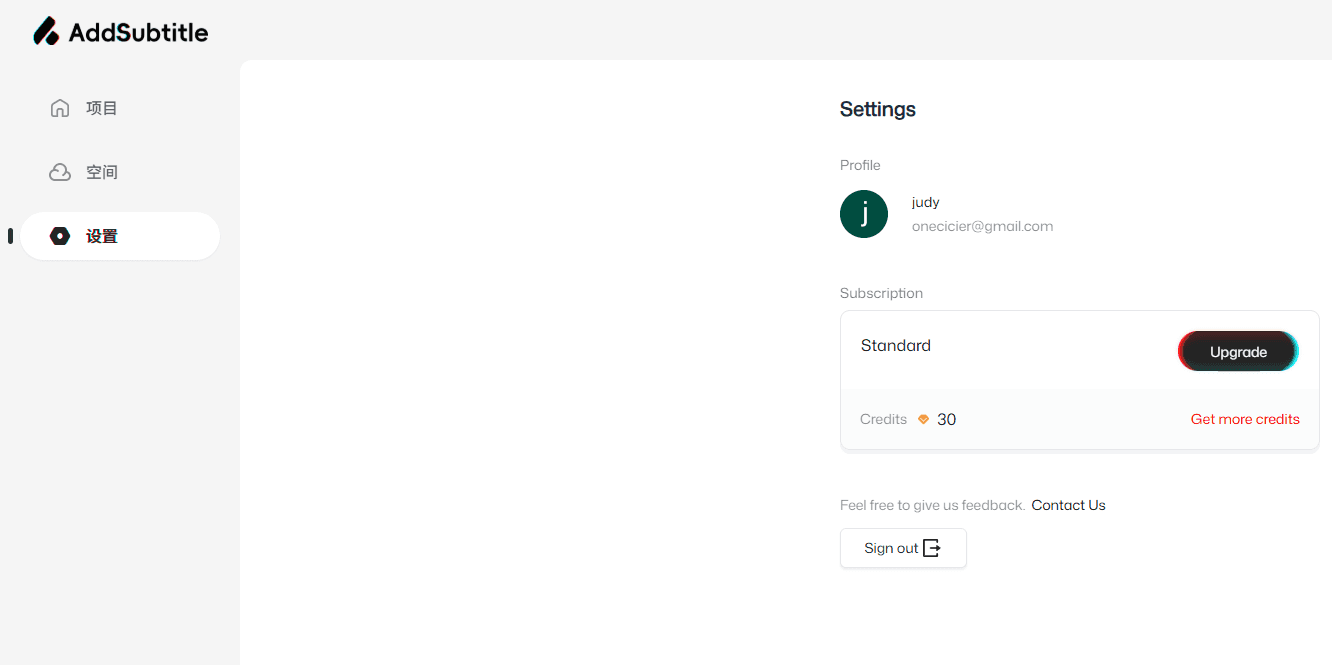 | |
|---|---|---|
Step 1 | Click Settings in the left sidebar. | |
Step 2 | Click Log out. | |
Lost your phone—or forgot to log out on a public computer?
No worries. Add Subtitle supports one active login per account. When you sign in again on any device, your session on other devices will be automatically logged out.