YouTube Video Downloader Online
Download YouTube videos online, then turn them into subtitled, translated, or edited content in one smooth workflow.
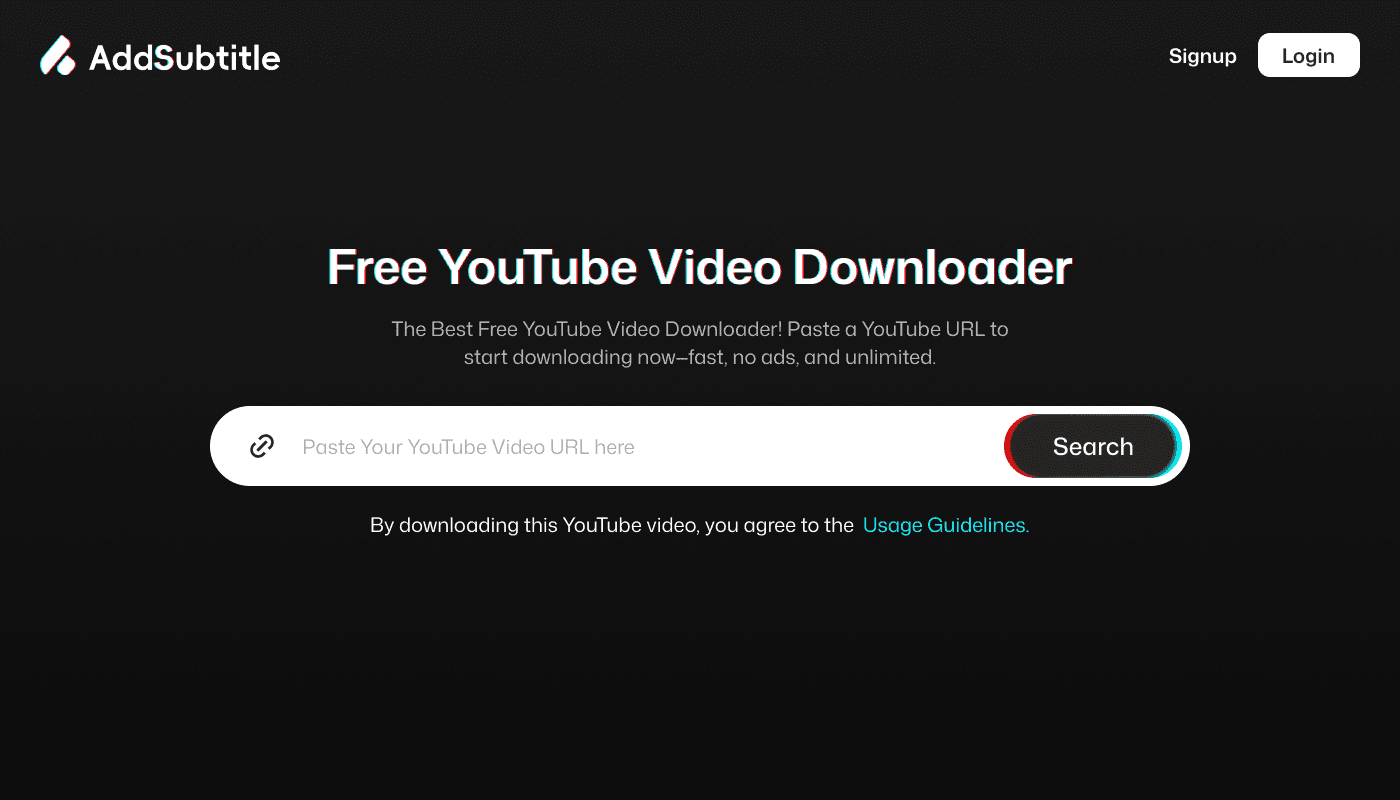
Download YouTube Videos Online for Subtitles, Translation, and Editing
Use this YouTube video downloader to save videos online, then continue your workflow with subtitles, translation, dubbing, or caption editing. Built for creators, marketers, educators, and localization teams.
Fast online workflow Built for subtitles and editing Great for creators and localization tasks
Why Use This YouTube Video Downloader
Download YouTube videos in seconds Paste a YouTube link, start the process, and get your video ready for subtitles, editing, or translation without switching between multiple tools.
Built for subtitle and translation workflows This is more than a simple downloader. Once your video is ready, you can move straight into subtitles, captions, translation, dubbing, or post-production editing.
Save time with one connected workflow Instead of juggling separate tools, download your video first and continue the rest of your content workflow in one place.
Great for creators, marketers, and educators Use downloaded YouTube videos for tutorials, training videos, social clips, interviews, explainers, repurposed content, and multilingual publishing.
Ready for captions, SRT export, and localization Downloaded videos can become the starting point for subtitles, translated captions, dubbed versions, or accessibility-friendly content.
How to Download a YouTube Video Online
Paste the YouTube URL
Copy the YouTube video link and paste it into the downloader to begin.
Start the download
Process the video online and prepare it for the next step in your workflow.
Save the video file
Keep the downloaded file ready for editing, subtitling, translation, or publishing.
Add subtitles, translate, or edit
Once the video is ready, continue with subtitles, caption editing, dubbing, or multilingual localization.
What You Can Do After Downloading a YouTube Video
Downloading is just the first step. Once your video is ready, you can turn it into content that is easier to publish, localize, and reuse.
Add subtitles for accessibility
Generate captions for viewers who watch without sound, improve accessibility, and make your content easier to follow.
Translate videos into other languages
Turn a downloaded YouTube video into multilingual content with translated subtitles or dubbed audio.
Edit captions and timing
Adjust subtitle text, fix timings, refine phrasing, and export ready-to-use caption files.
Repurpose content for social media
Use the downloaded file to create Shorts, clips, reels, tutorials, or campaign assets.
Who This Tool Is For
This YouTube video downloader is useful for anyone who wants to move from downloading into a real content

/ Audience bullets
/ Content creators repurposing YouTube videos
/ Marketers creating subtitled campaign assets
/ Educators turning videos into accessible lessons
/ Agencies localizing client content
/ Teams building multilingual video libraries
/ Editors preparing videos for captions and translations
Frequently Asked Questions



Add Subtitle
Download a YouTube Video, Then Turn It Into Better Content
Save the video first, then continue with subtitles, translation, caption editing, or dubbing using the rest of your AddSubtitle workflow.