
Judy
Dec 12, 2025
Add Subtitle gives brands and creators full control over how their message meets the world. Subtitles, voiceover, and translation—all in one tool to speed up your video workflow.

Why Do Users Need a Free YouTube Video Downloader Online?
In an era of rapidly growing digital content, more people are looking for ways to save YouTube videos locally—whether for offline viewing, creative editing, classroom teaching, or cross-platform content usage. However, YouTube does not offer a direct download button, which has driven massive search demand for tools like Free YouTube Video Downloader Online.
Common reasons users download YouTube videos include:
Offline viewing during travel, commuting, or flights
Teaching: teachers saving videos for lessons
Content creation: storing materials for editing
Research and learning: keeping videos as study resources
This is why the keyword “Free YouTube Video Downloader Online” has become a core user need.
AddSubtitle.ai offers exactly this: a clean, ad-free way to download YouTube videos as MP4—no installation, no login required.
What Is AddSubtitle.ai?
AddSubtitle.ai began as an AI-powered subtitle generation and multilingual video translation tool. It supports:
Automatic subtitles
Video translation
Exporting subtitles in SRT/ASS/TXT formats
Multilingual processing
To streamline creators’ workflow, AddSubtitle.ai also provides a Free YouTube Video Downloader Online—allowing users to fetch video materials directly and continue subtitle editing effortlessly.
How to Use AddSubtitle.ai to Download YouTube Videos for Free
Below are the steps to download a YouTube video online without installing software:
Step 1: Open the YouTube Video Downloader Tool on AddSubtitle.ai
Go to the AddSubtitle.ai website and locate the YouTube Video Downloader tool.

Step 2: Copy the YouTube Video URL
Open YouTube → click the video → copy the link from the browser's address bar.
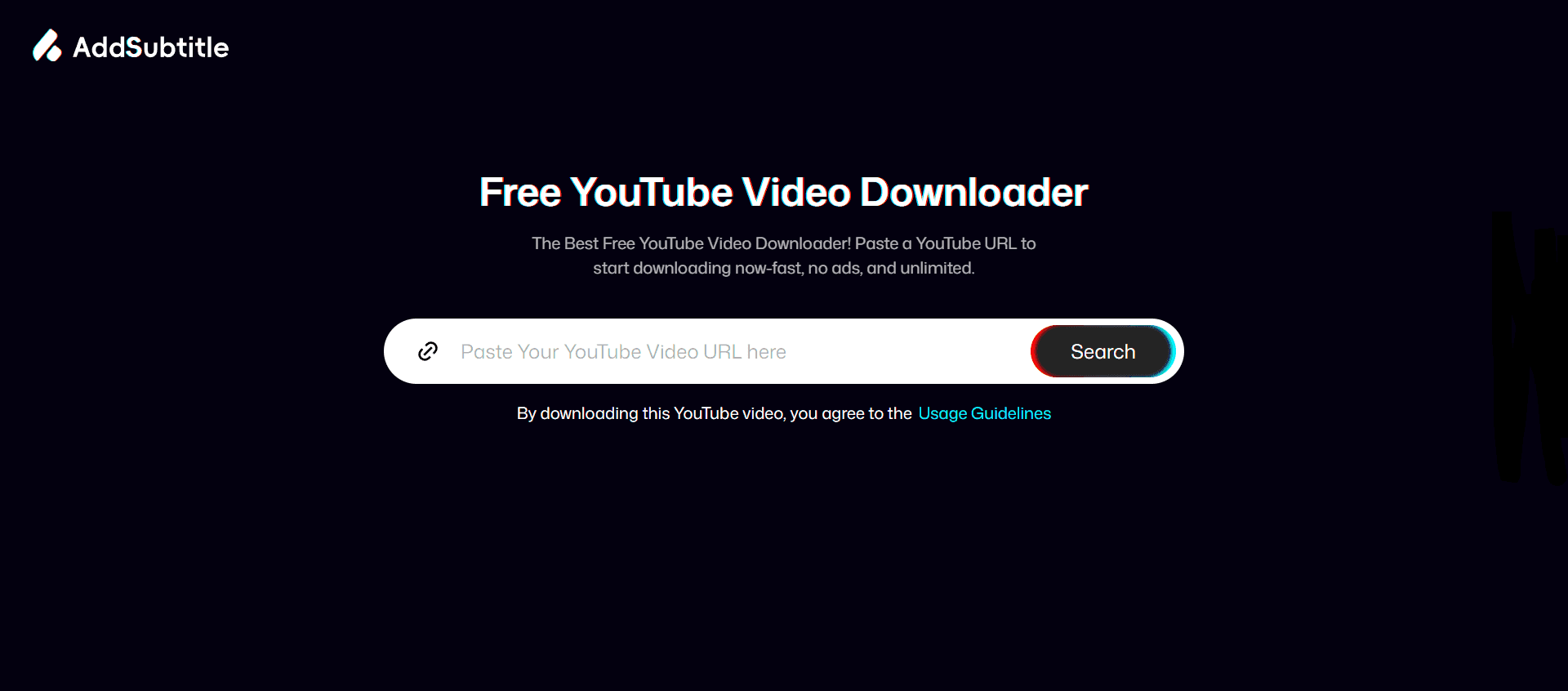
Step 3: Paste the URL into the Input Box
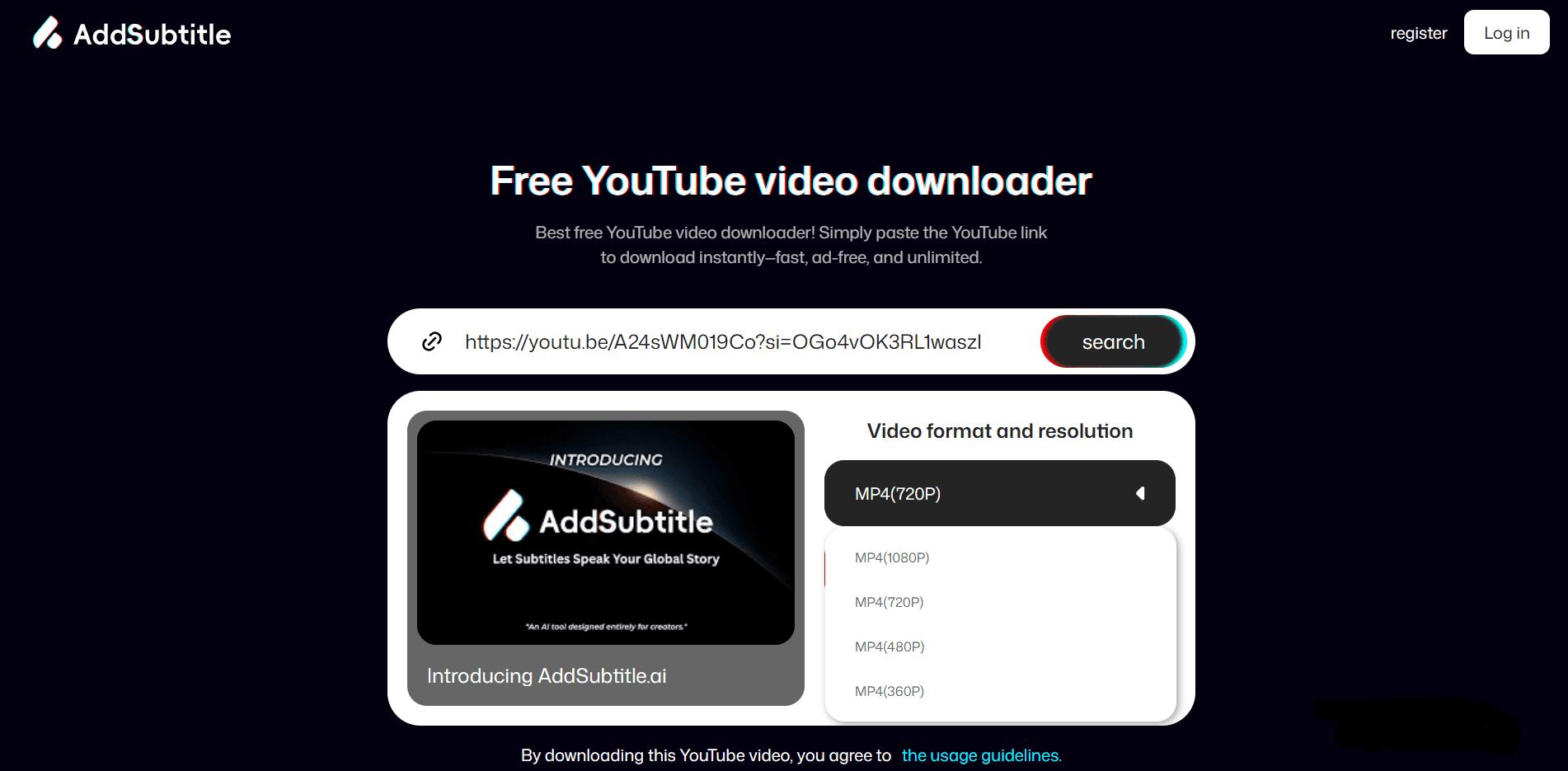
The tool will automatically parse the video, extract the title, detect available formats, and show resolutions such as 360p, 720p, 1080p.
Step 4: Click “Download Video” to Start Downloading for Free
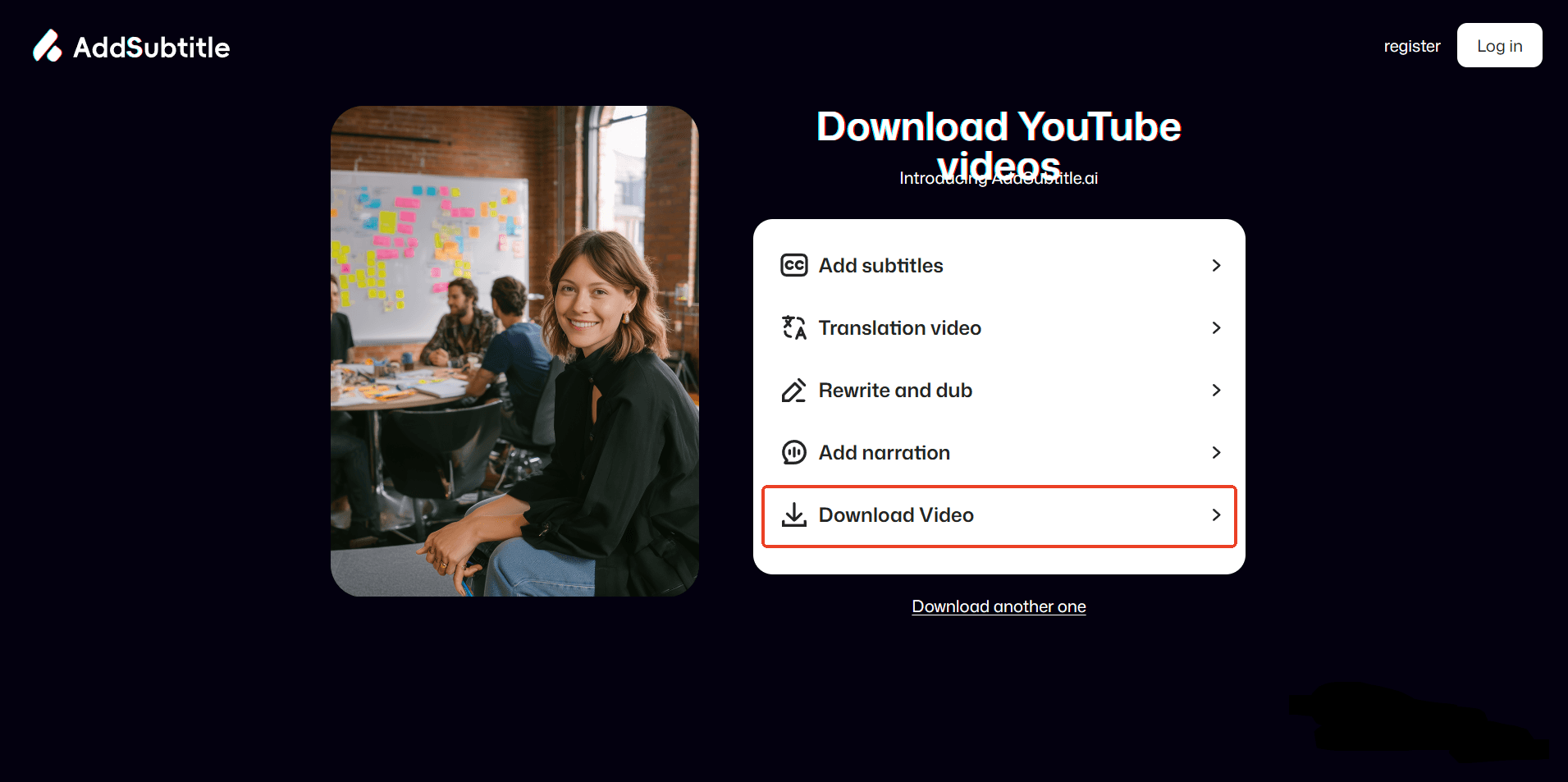
The entire process is free, no registration, and no software installation required.
Why Download YouTube Videos Using AddSubtitle.ai?
100% Free and No Ads
Unlike many download websites that display pop-ups or forced promotions, AddSubtitle.ai offers a clean experience.
Online Access, Safe and Convenient
No software installation means no risk of malware or unwanted programs.
Perfect for Subtitles, Translation, and Editing
After downloading the video, you can immediately use AddSubtitle.ai’s features such as:
Automatic subtitles
Multilingual translation
Online subtitle editing
This is something traditional video downloaders cannot offer.
Works Across All Devices
Accessible from any browser on PC, Mac, or mobile.
Multilingual SEO Optimization
AddSubtitle.ai offers localized versions for global users
Is Downloading YouTube Videos Legal?
From a copyright perspective:
You should ensure you have permission before downloading protected content. AddSubtitle.ai and other free YouTube downloader tools are designed for legal use cases such as:
Personal study
Teaching
Private archiving
Videos allowed by creators
The safest legal method is YouTube Premium, which provides in-app downloads.
AddSubtitle.ai Is an Excellent Free YouTube Video Downloader Online
If you want a free, ad-free, no-software, MP4-compatible downloader that also allows subtitles and translation, AddSubtitle.ai is a tool worth bookmarking.
It's Free