AddSubtitle — A Handy Tool to Save YouTube Videos for Free

Takumi
Add Subtitle gives brands and creators full control over how their message meets the world. Subtitles, voiceover, and translation—all in one tool to speed up your video workflow.

Why download YouTube videos?
Everyone has different reasons for saving YouTube videos, but the most common ones include:
Offline watching
If you’re traveling for a long time or in a place without Wi-Fi, having the video saved means you can keep watching without interruptions. No buffering, no lag—just smooth playback.
Watch without ads
Frequent ads can be frustrating. Downloading videos lets you watch comfortably without constant interruptions.
Save mobile data
Ever think, “I have to watch my data usage every time I hit play,” or “My connection isn’t stable”? Saving videos for offline viewing solves both problems at once.
Reuse content
For creators, YouTube can be a goldmine of inspiration and learning. With videos saved, you can use them for editing practice, study materials, or creative projects.
Also, YouTube videos can disappear without warning due to copyright claims or policy issues. Since YouTube doesn’t offer an official download feature for most videos, this article will show you a safer way to save videos.
AddSubtitle — A Handy Tool to Save YouTube Videos for Free
With AddSubtitle, you can download YouTube videos quickly, easily, and completely free.
No installation needed. Everything works right in your browser, so you can save videos in high quality—and even generate subtitles in 130+ languages.
● Step 1: Open the tool
In AddSubtitle, go to the menu and click “YouTube Video Downloader.”

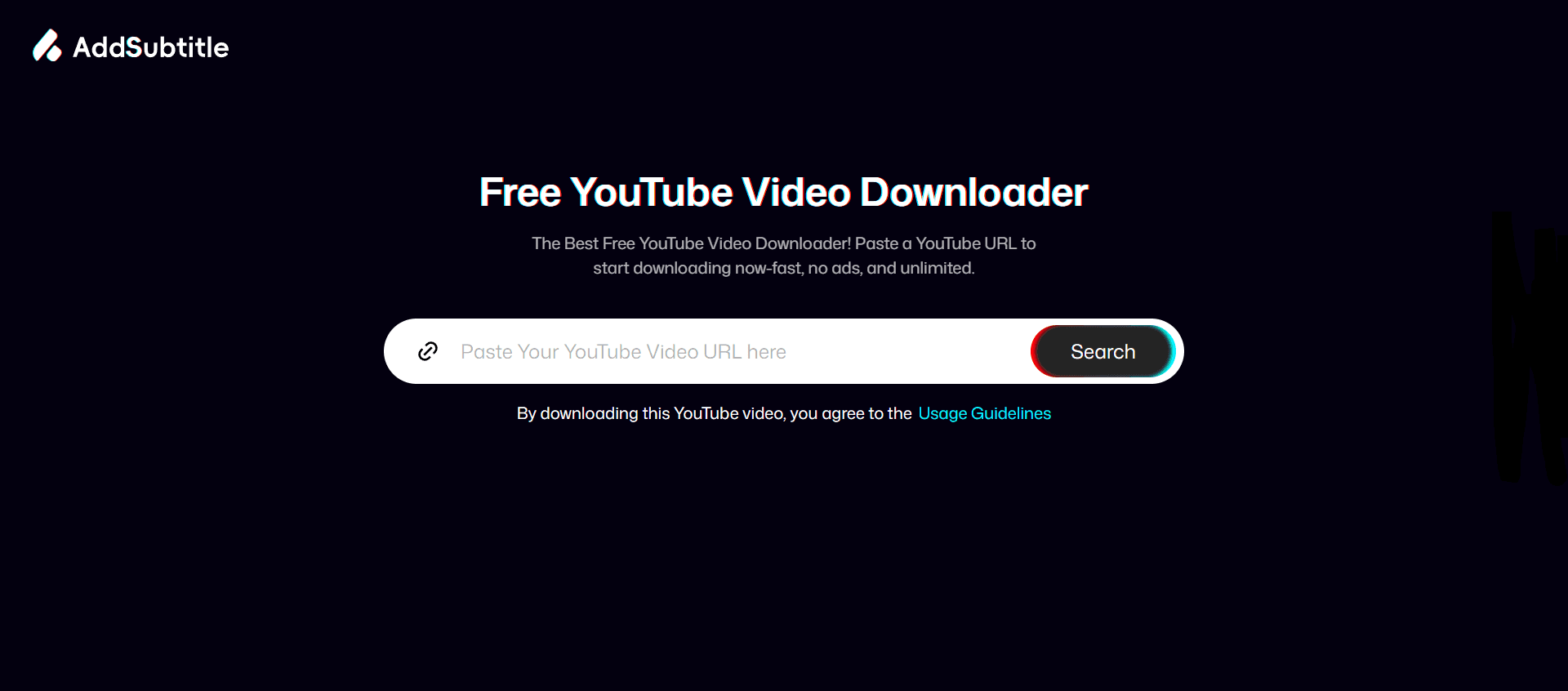
Step 2: Paste the URL
Copy the link of the YouTube video you want to save, paste it into the input box, and click “Download video.”
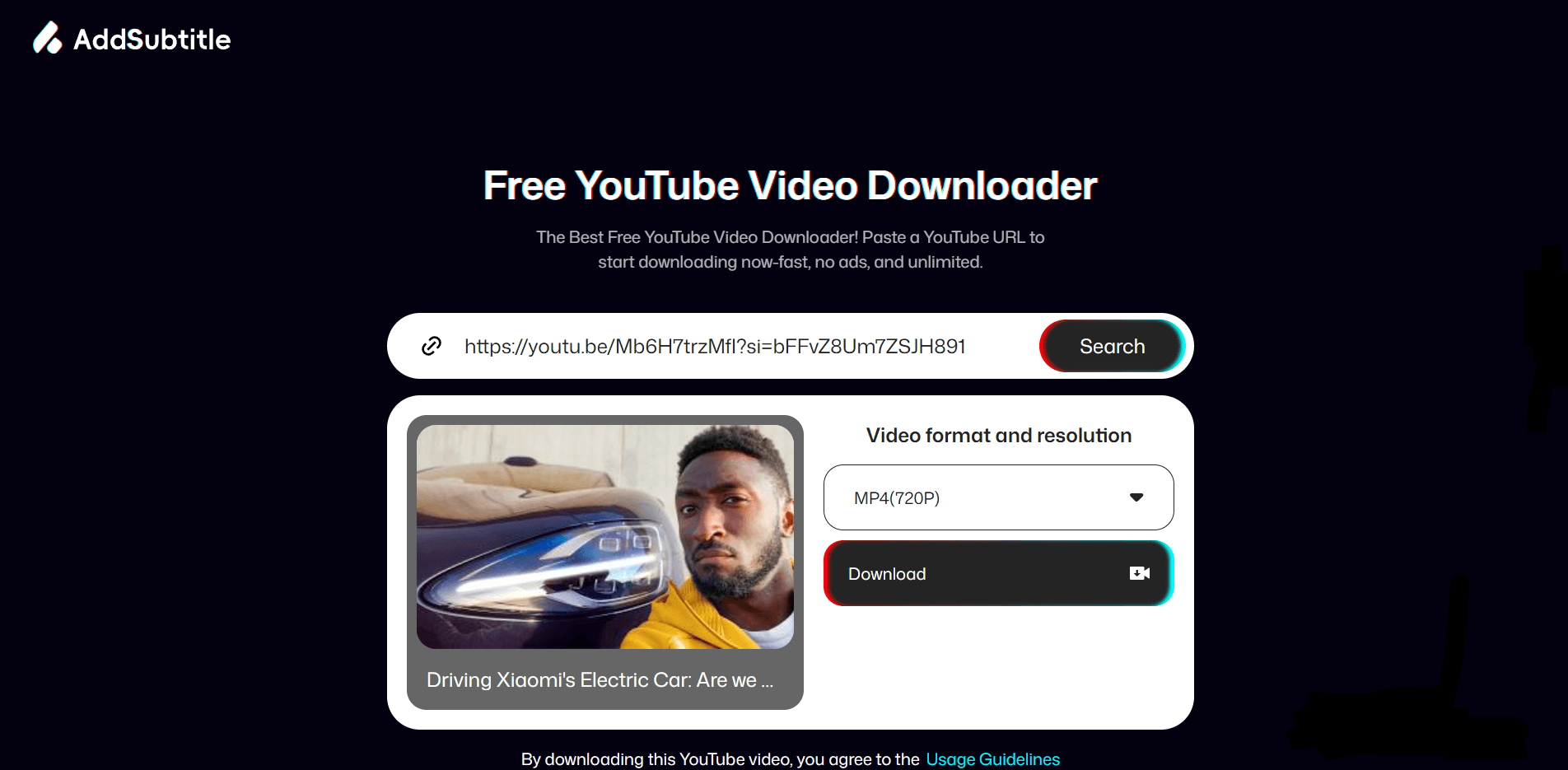
Step 3: Save and edit
Once the download is complete, AddSubtitle also offers helpful features like subtitle generation and basic editing to support your content creation workflow.

(If you want to learn more about adding subtitles, please check our separate guide.)
Why use AddSubtitle?
AddSubtitle is a lightweight online tool that’s easy for anyone to use. Key benefits include:
Safer: No need to download suspicious files or install unknown software
Convenient: Works anywhere—as long as you have a browser
Powerful: Break language barriers with subtitle generation
Flexible formats: Export subtitles in multiple formats like TXT, SRT, and ASS
Used correctly, you can download videos fast while keeping your device safe.
In short, AddSubtitle is like a pocket-sized, all-in-one video helper.
Tips for Downloading YouTube Videos
The safest option: YouTube Premium
YouTube Premium is a paid subscription that lets you download videos legally, watch without ads, and avoid any risk of violating the platform’s terms.
Useful third-party tools
Online services like AddSubtitle, Zeemo, WinX, and MacX can also be good options.
To stay safe and compliant, keep these points in mind:
Check copyright
Only download videos you own, have permission to use, or are copyright-free (and for personal use when applicable).
Use trusted sites
Avoid unknown websites. Choose reputable tools like AddSubtitle.
Choose HD support
Tools that support HD or higher will noticeably improve your viewing experience.
Watch out for ads and pop-ups
Free sites may show ads—be careful not to click suspicious pop-ups.
Summary: No software needed—start downloading now!
Now you know how to download YouTube videos for free without installing any software.We’ve included a download link at the bottom… save your favorite videos and give it a try.
It's Free